Generating Workable API key & enabling permissions
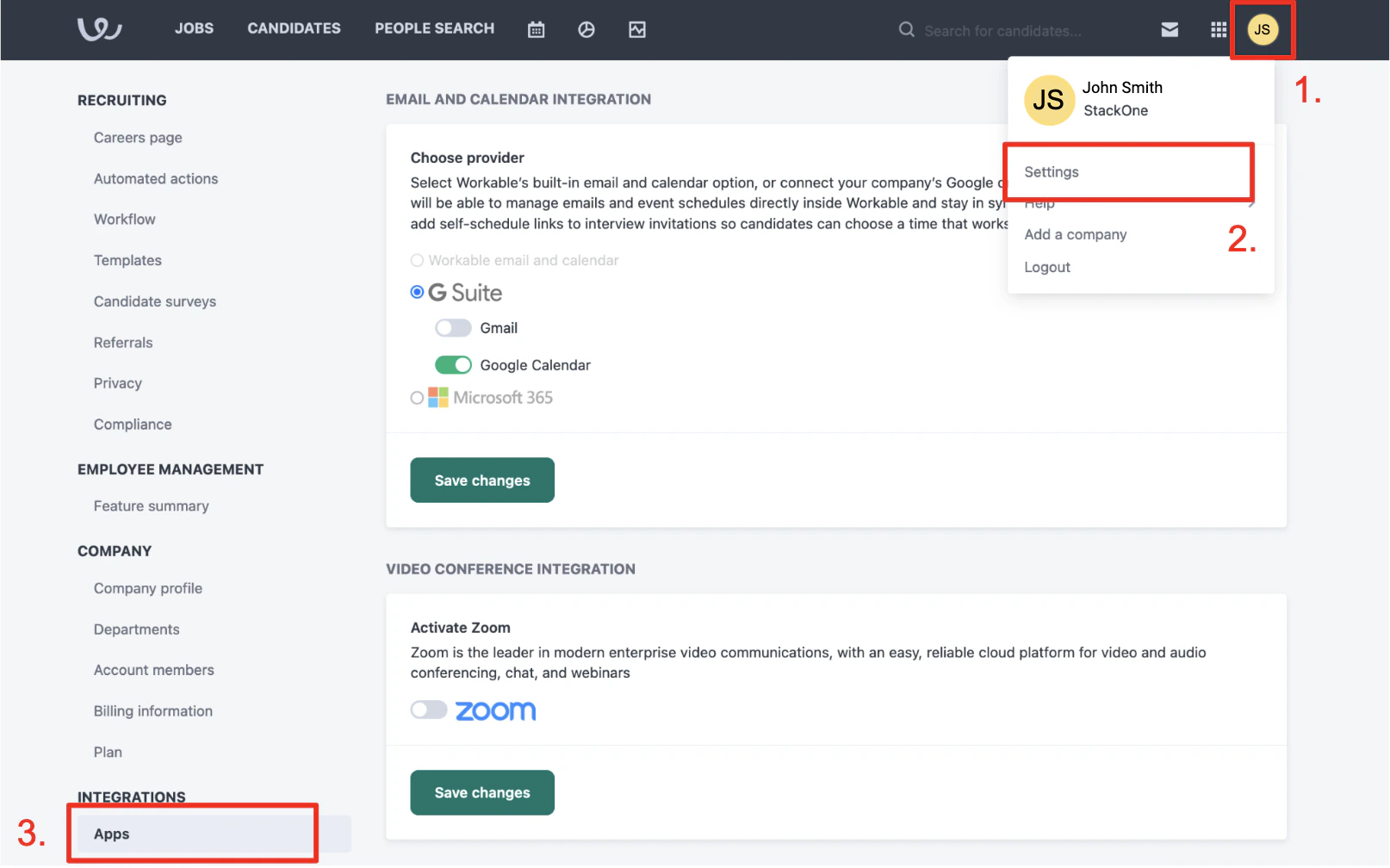
Generate API Token
Scroll down and click Generate API Token. Give the token these minimum permissions: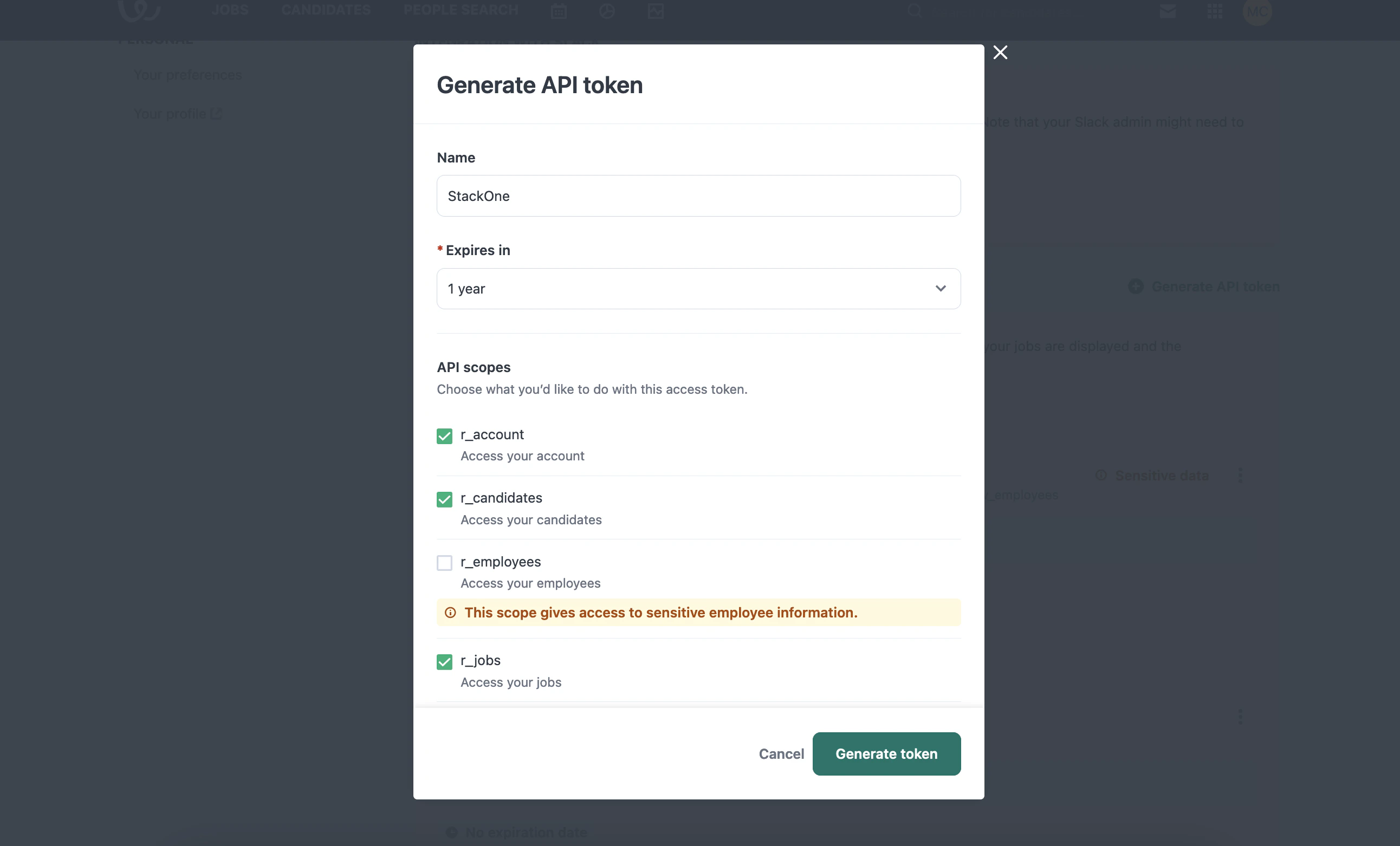
- Name - (The SaaS you’re creating this API token for - eg: StackOne)
- Expires in - 1 year (make a note internally that you will have to generate a new token before that time)
- Scopes - This integration requires minimum scopes: r_account, r_candidates, r_jobs, w_account, w_candidates, r_requisitions.
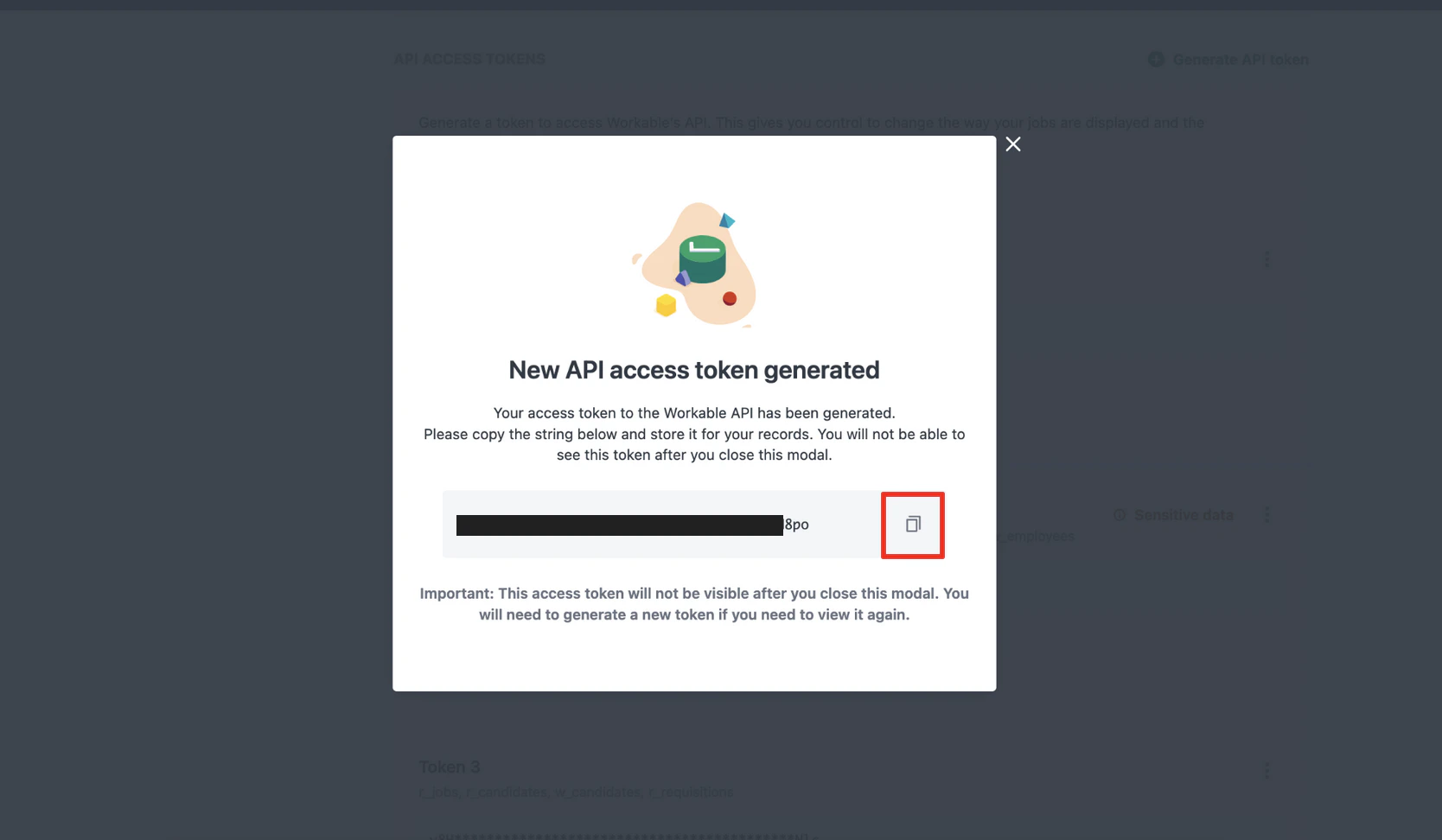
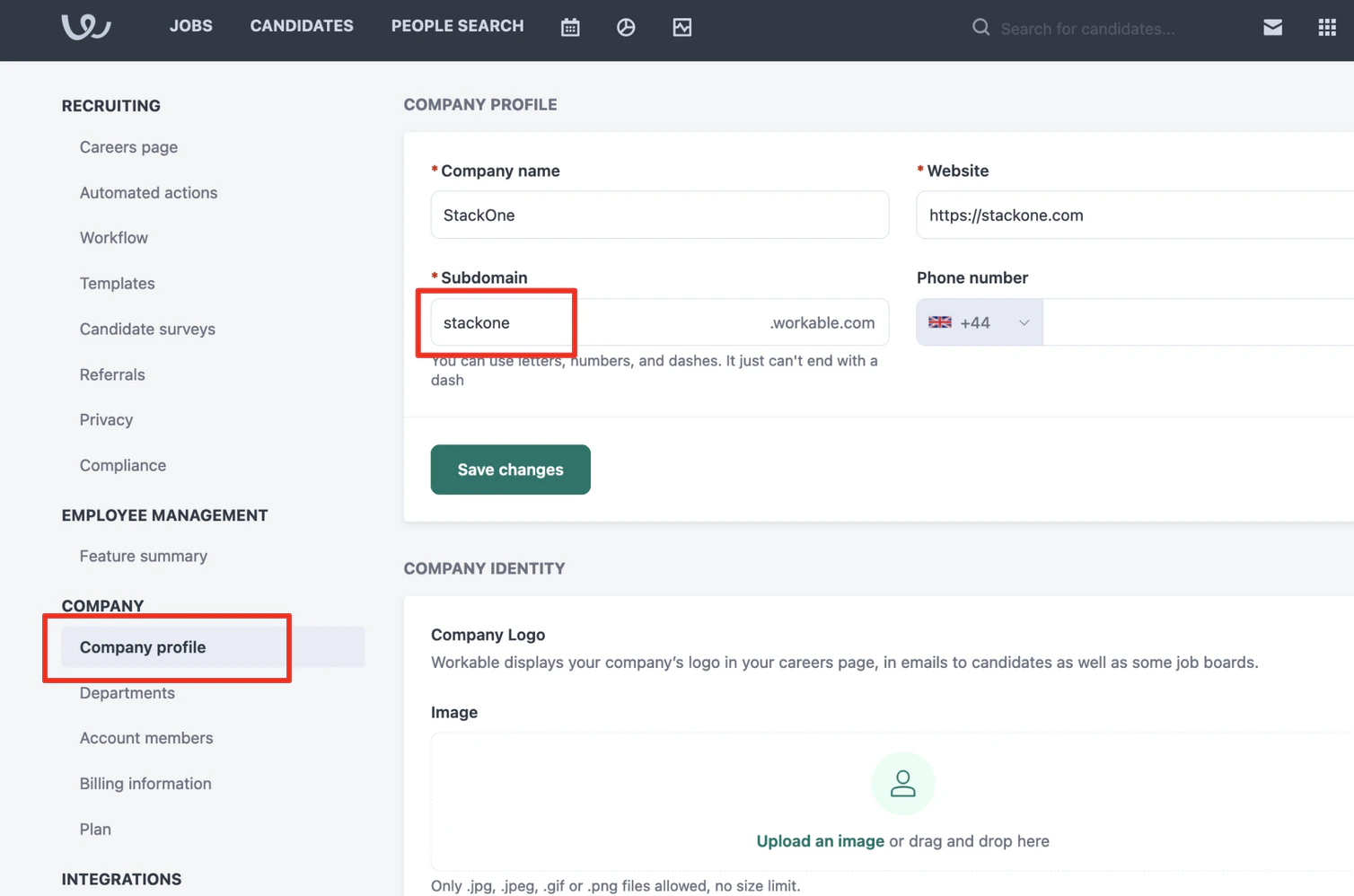
Getting Company Subdomain
Connect with StackOne
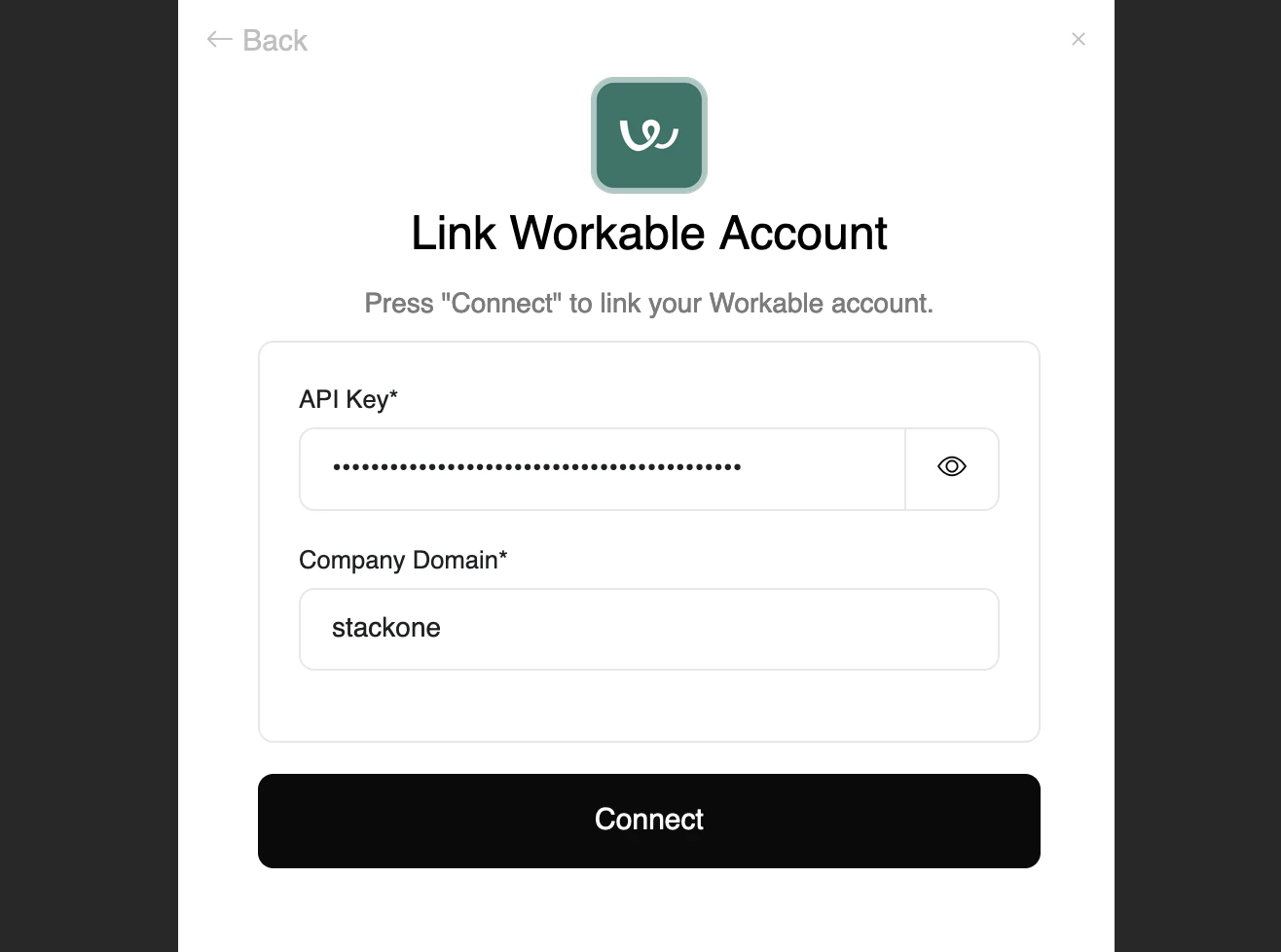
In StackOne, ensure the Workable integration is enabled. In Accounts > Link Account > Workable, enter the API key and subdomain copied from earlier and click the Connect button.