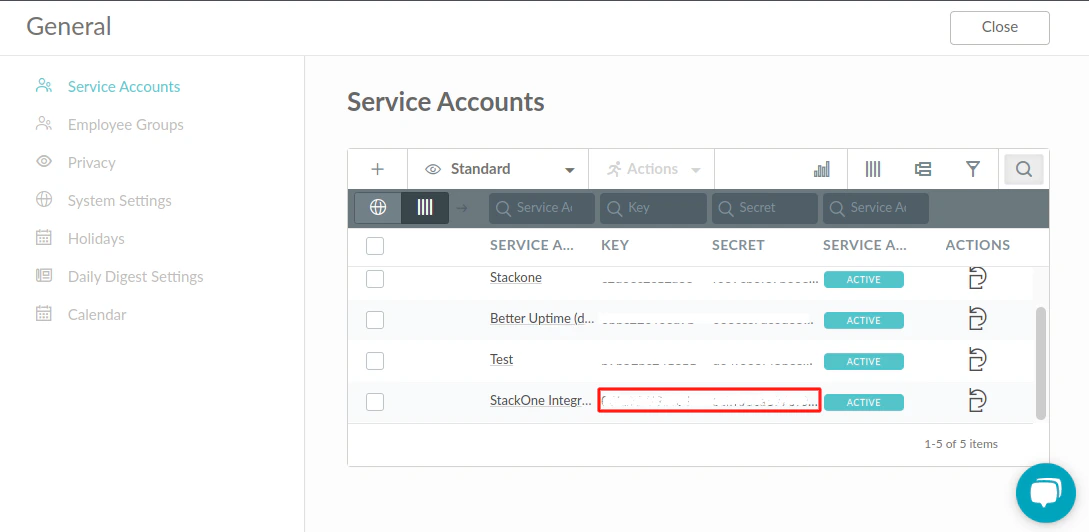
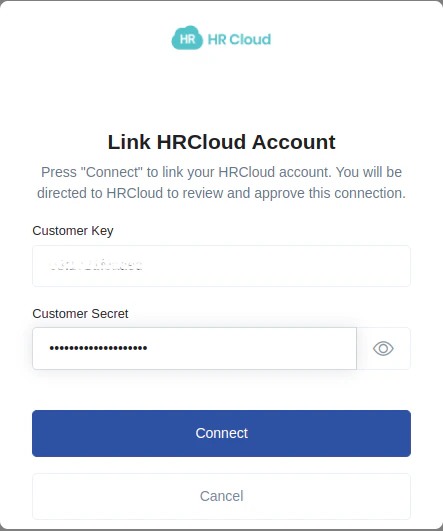
Get your Customer Key and Customer Secret
Sign in to HR Cloud
Sign in to the HR Cloud website and click on the Settings tab on the left-hand side menu.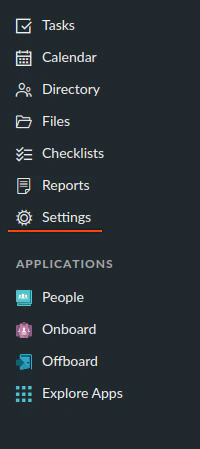
Locate Service Accounts
In the Settings tab, locate the Global Settings section and click on the Service Accounts option.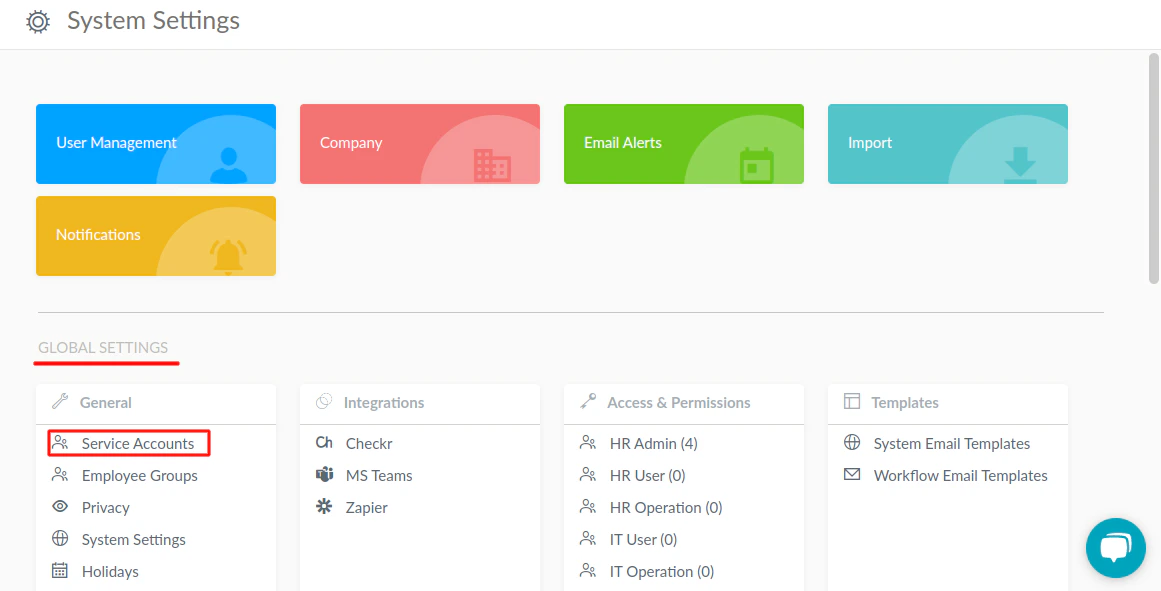
Create a new Service Account
After clicking on Service Accounts, a side menu will open. Here, you can check existing Service Accounts and create new ones. Click on the Add ➕ icon to create a new service account.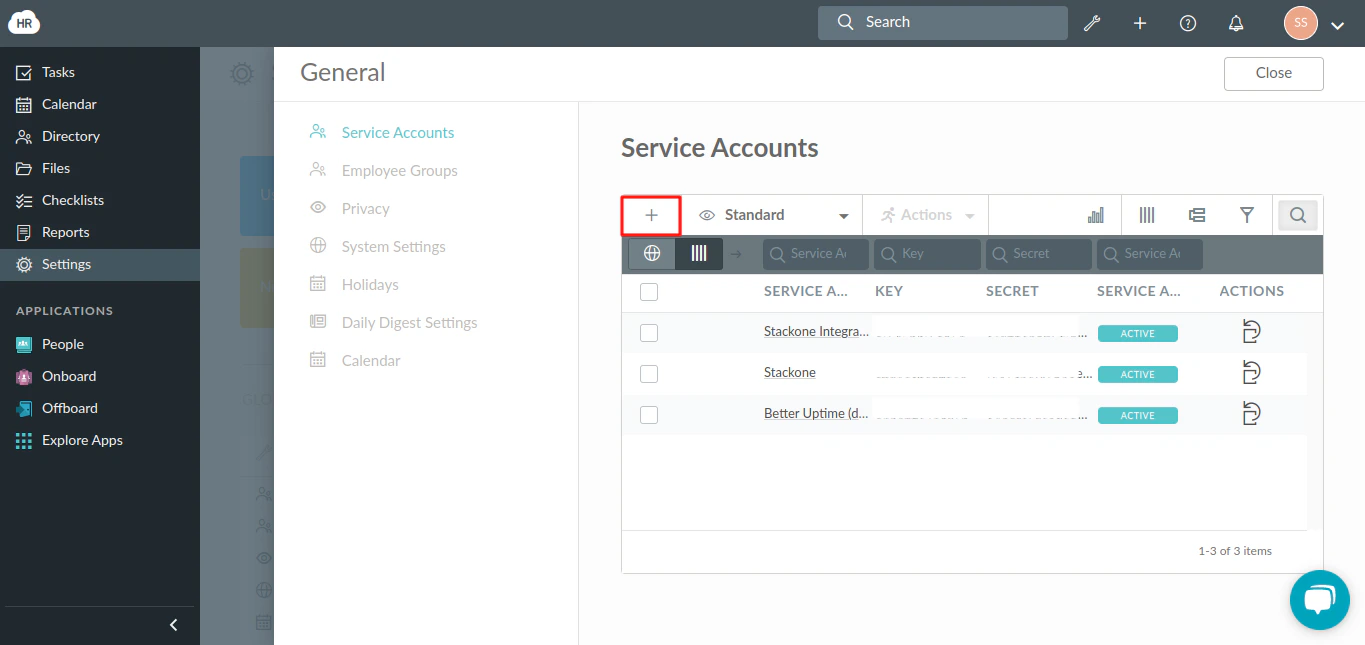
Enter Service Account Details
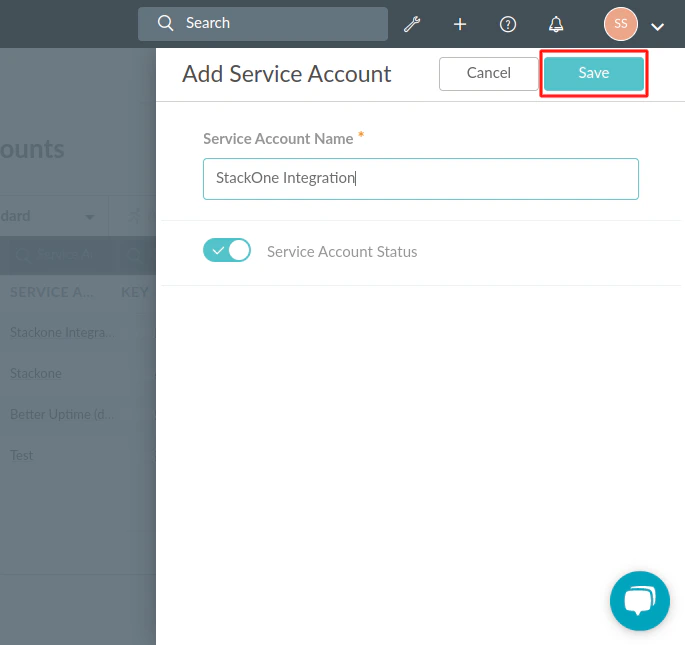
Enter your Service Name. Enable the Service Account Status ☑️ to activate your service account. Click the Save button to complete the process.