Creating a Developer Application
Navigate to Developer Applications
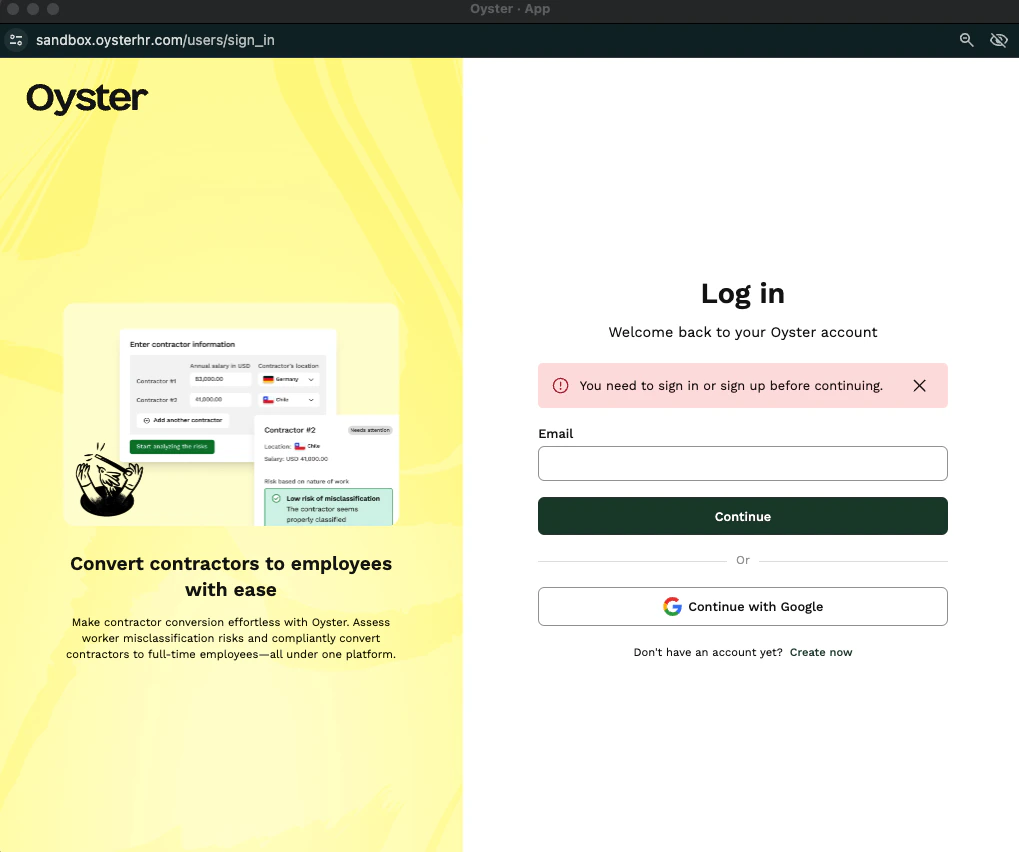
Sign in to your Oyster HR account.In the sidebar, navigate to 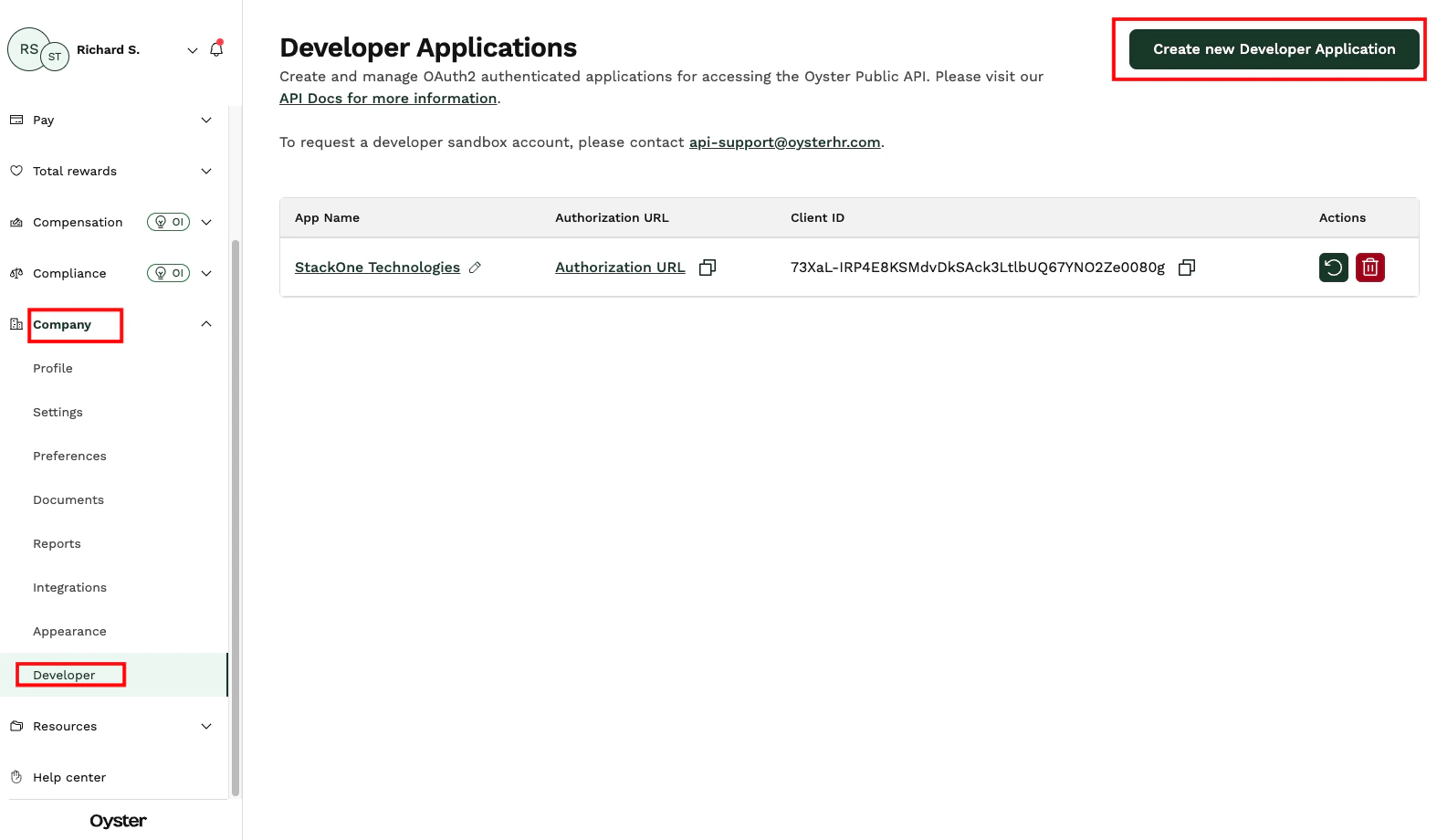
Company → Developer.Click Create new Developer Application.Creating a Developer Application
Enter Click Submit.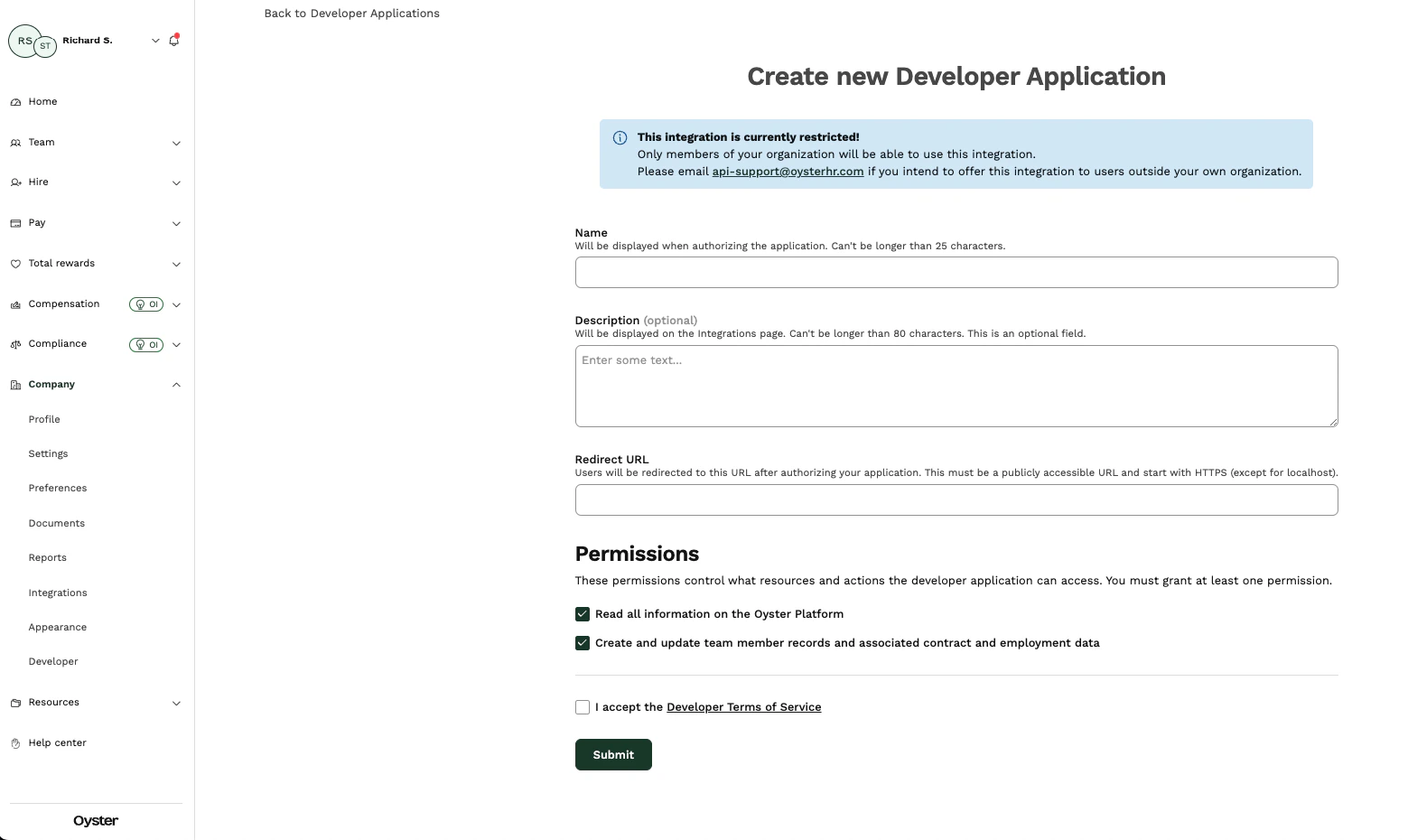
Name and Description for the application.In the Redirect URL field, enter the following URL: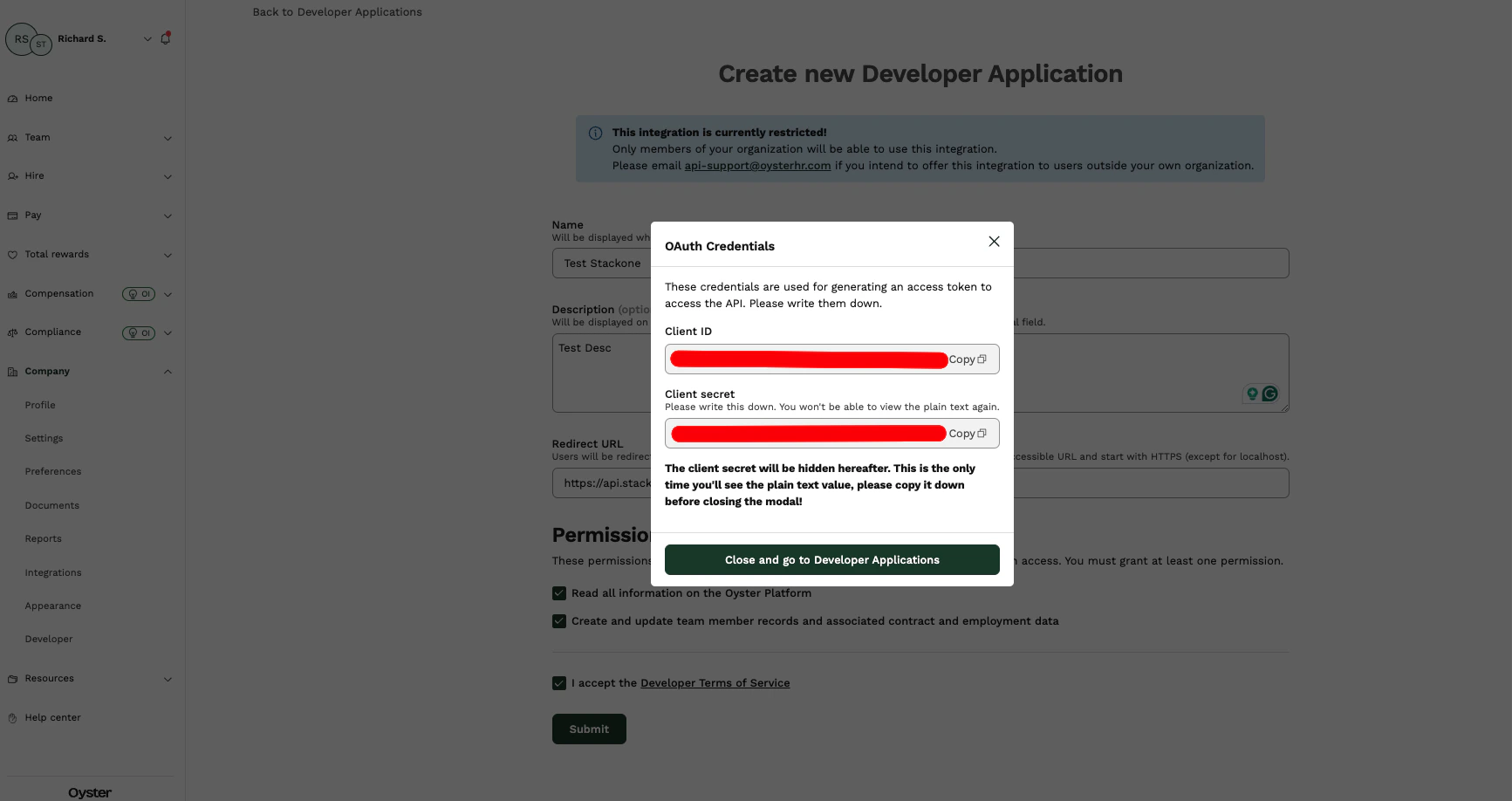
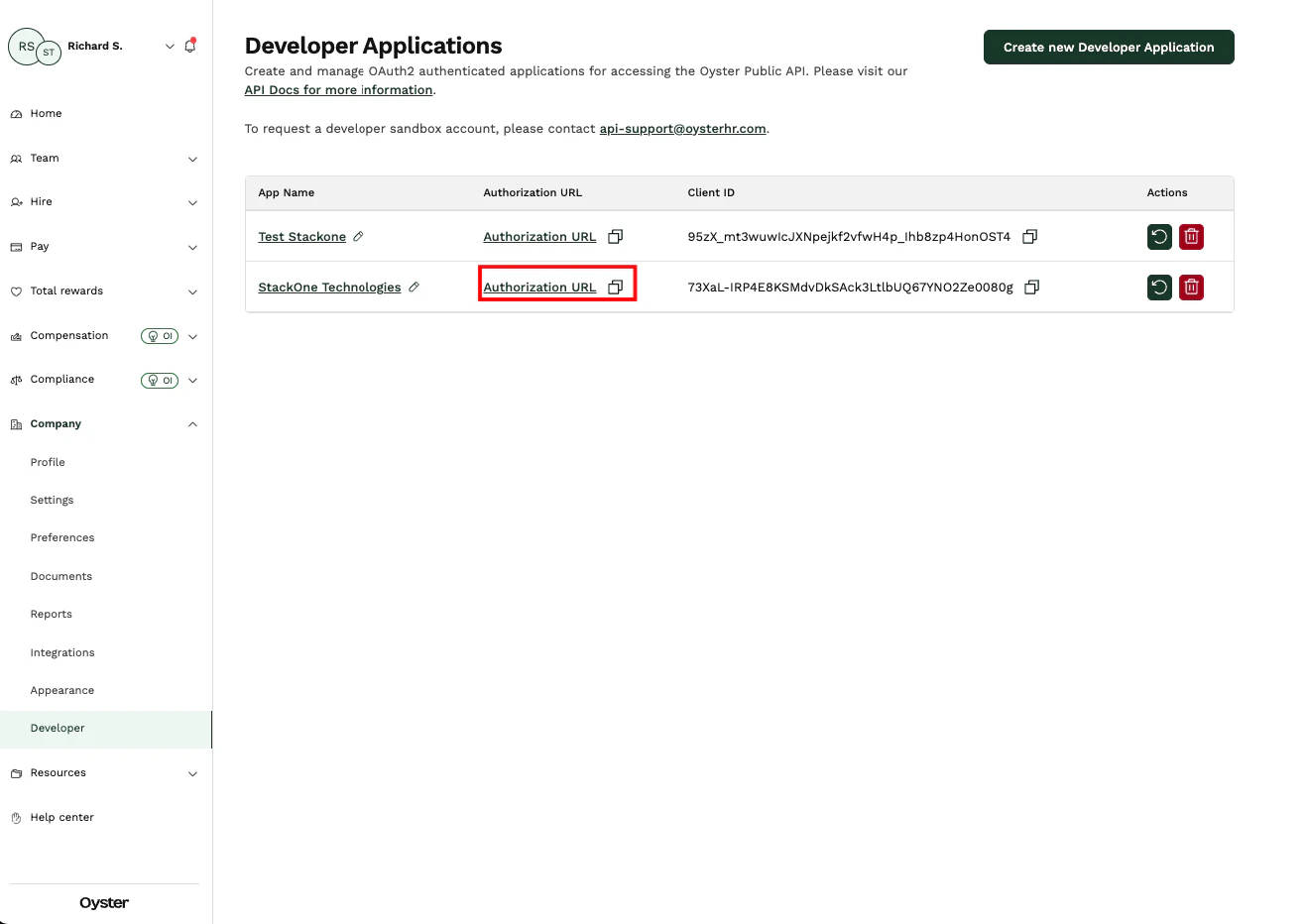
Linking to StackOne
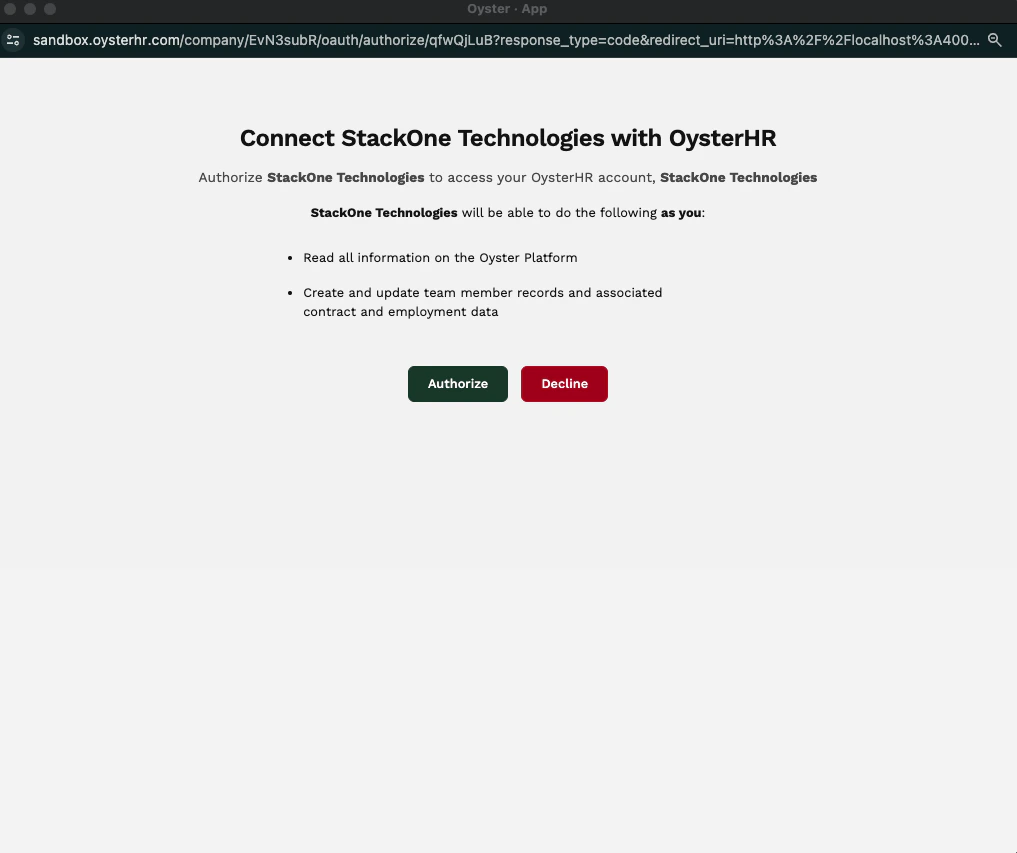
You can use theClient ID, Client Secret, and Authorization URL to link your Oyster HR account with StackOne.
Link Oyster HR Account
In the modal, enter the 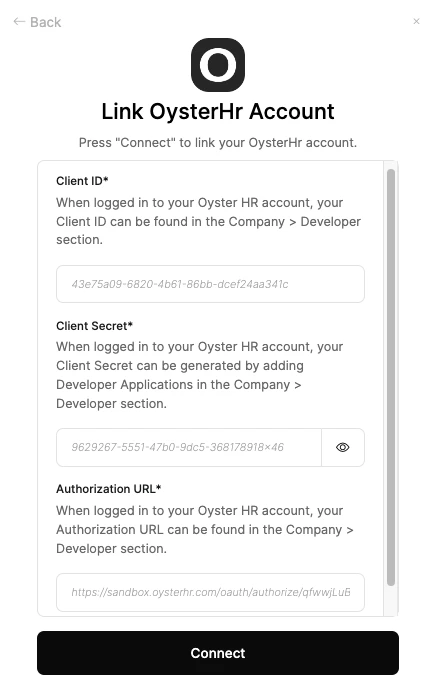
Client ID, Client Secret, and Authorization URL from the previous steps.Click Connect.