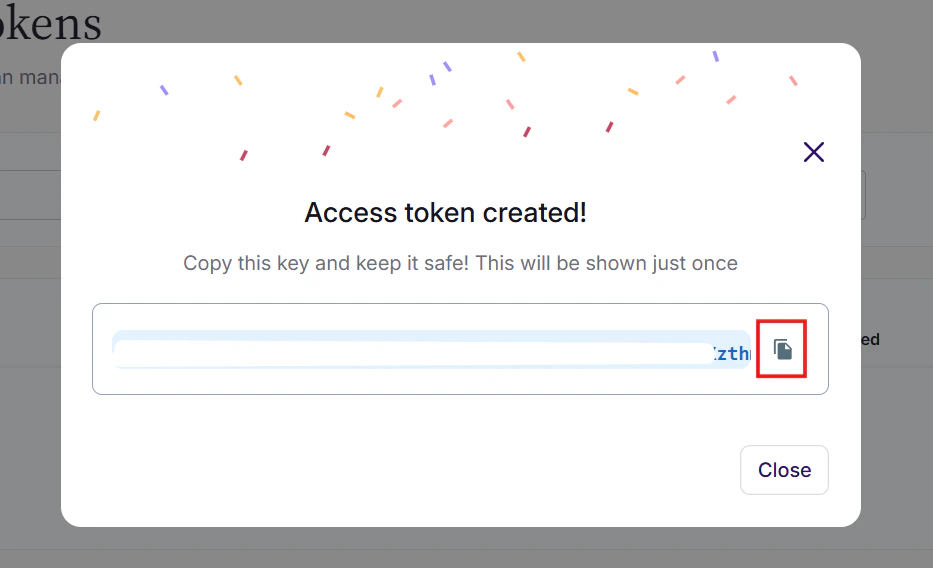
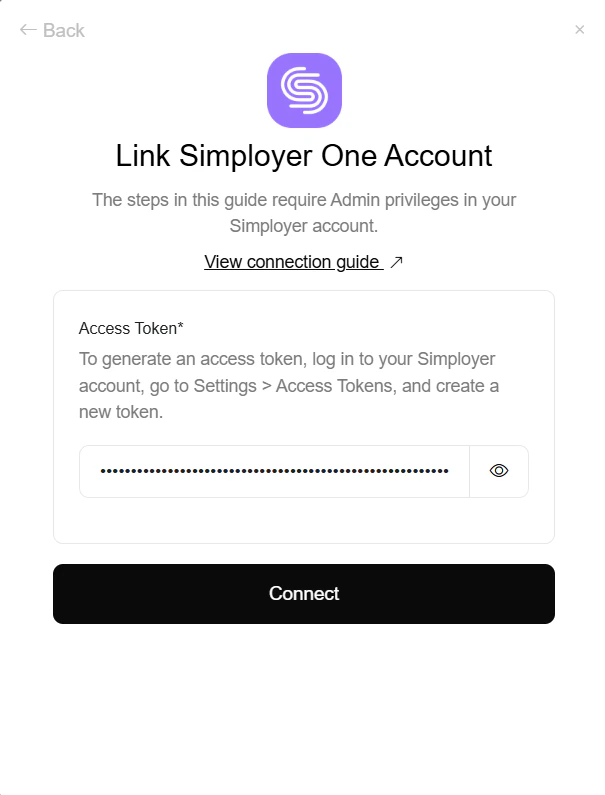
Generate your Simployer One Access Token
Navigate to Access Tokens
Log in to your Simployer One account and navigate to Settings > Access tokens from the side menu.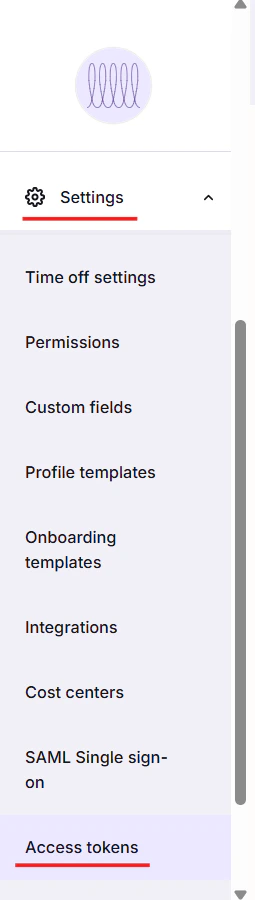
Create New Access Token
On the Access Token screen, fill in the following details: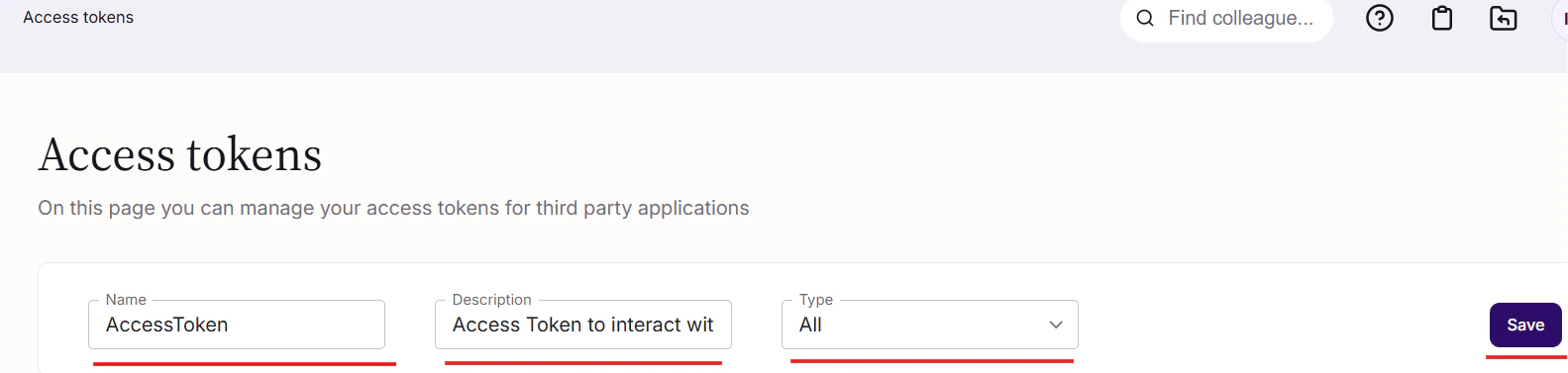
- Name: Enter a name for the access token
- Description: Enter a description for the access token
- Type: Select ALL from the Type dropdown