

Collect your Credentials
Generate an API Key
In your Infosec IQ admin console, navigate to Account Settings → API Keys.
Click Create API Key, provide a descriptive name, then click Save to get your API Key.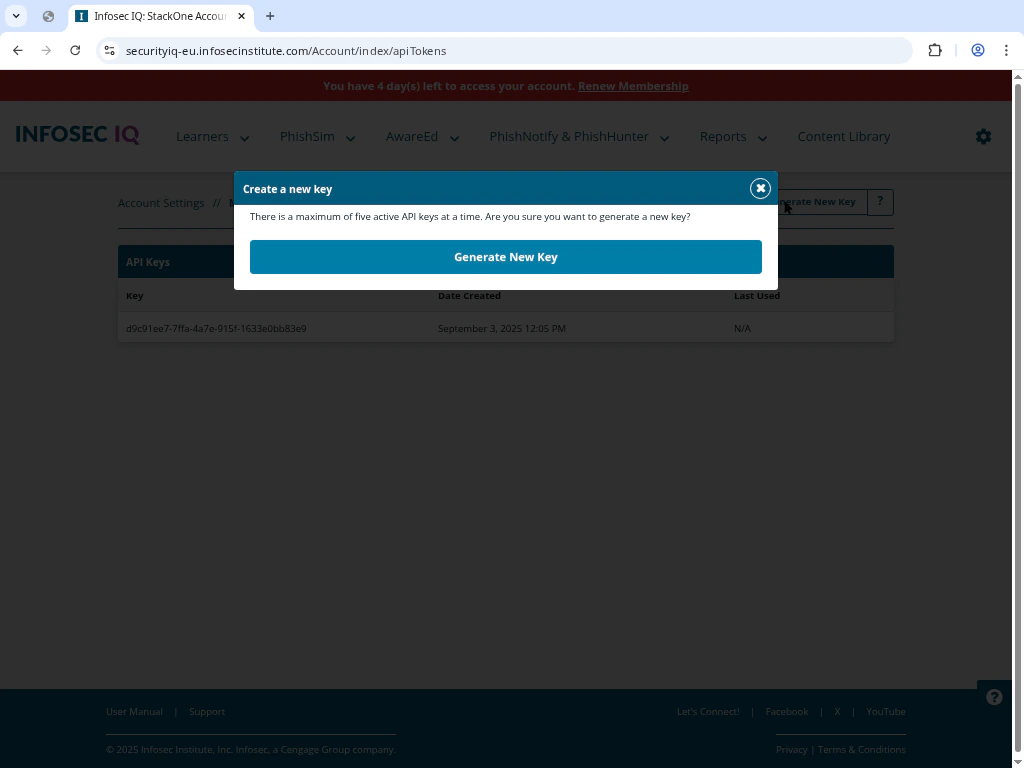
Click Create API Key, provide a descriptive name, then click Save to get your API Key.
Select Your Server URL
Determine the correct server region for your account and select the corresponding URL: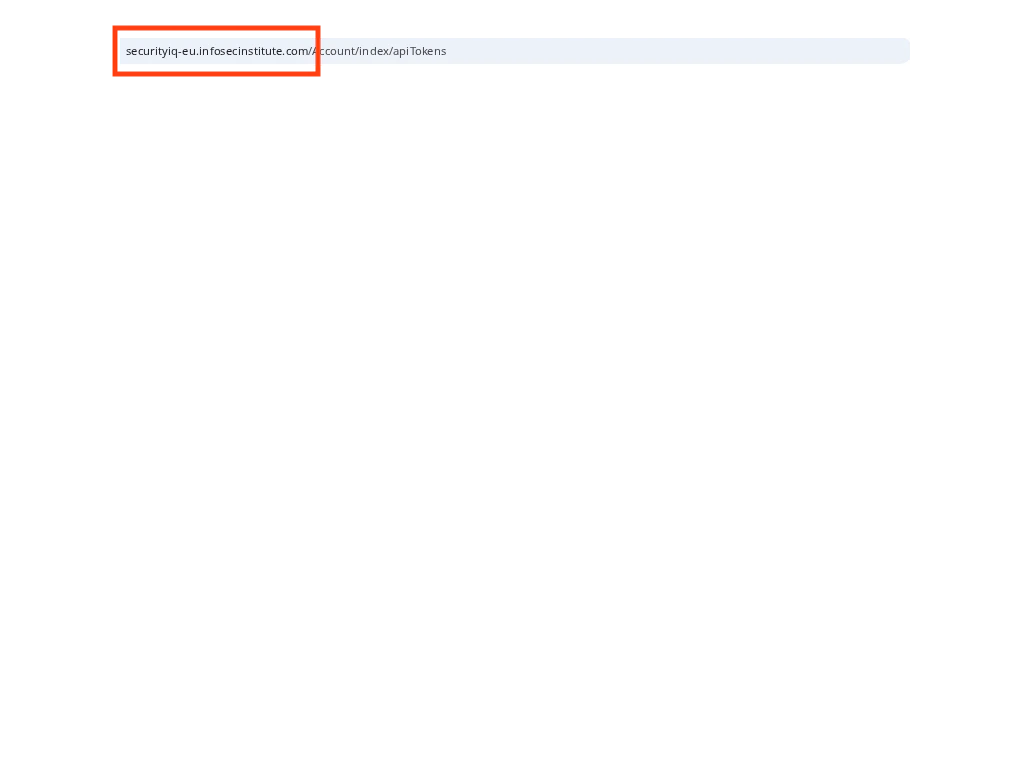
- North American Server:
https://securityiq.infosecinstitute.com - EU Server:
https://securityiq-eu.infosecinstitute.com