You must have administrator access in your PeopleFluent account to complete these steps.

Collect your Credentials

1

Create an Administrator User

In PeopleFluent, go to Manage Center → Users → User Manager → Users.
Click Create, enter the user details, and assign a System Administrator role (or a system role with unrestricted access to User Manager and Users). Click Save.
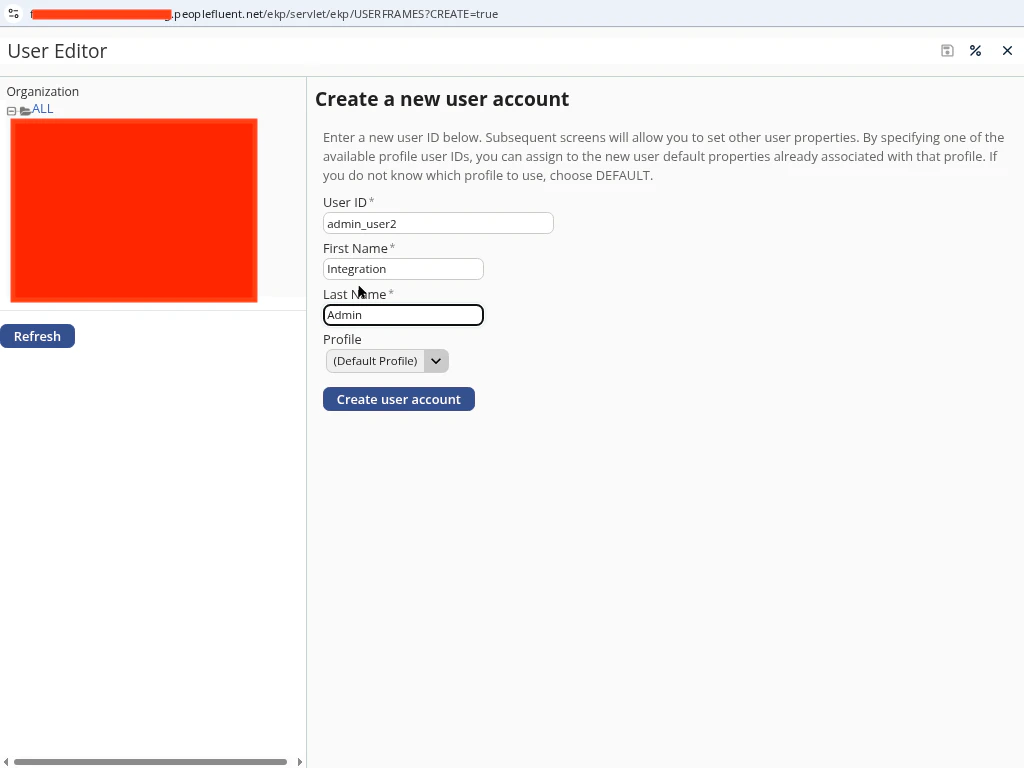
PeopleFluent create admin user
2

Collect Your Credentials

Gather the following fields:
  • Username — the administrator user’s login.
  • Password — the administrator user’s password.
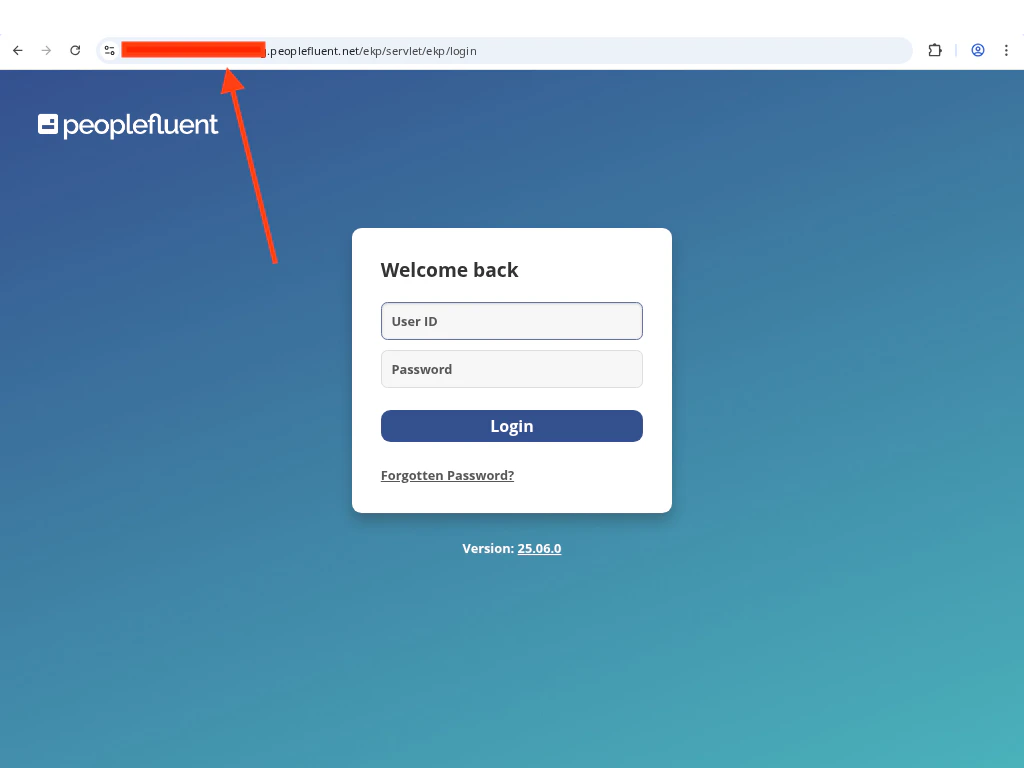
  • Company Domain — taken from your login URL. For a URL like
    https://my-domain.learning.peoplefluent.net/ekp/servlet/ekp/login, enter my-domain.
PeopleFluent credential fields

Linking Your PeopleFluent Account

1

Provide Your Credentials

Enter Username, Password, and Company Domain in the connection form.
2

Click Connect

Click Connect to verify credentials and establish the connection.