

Log in to MoEngage
Log in
Log in to your MoEngage account using the dashboard access URL provided during signup, e.g. https://dashboard-01.moengage.com.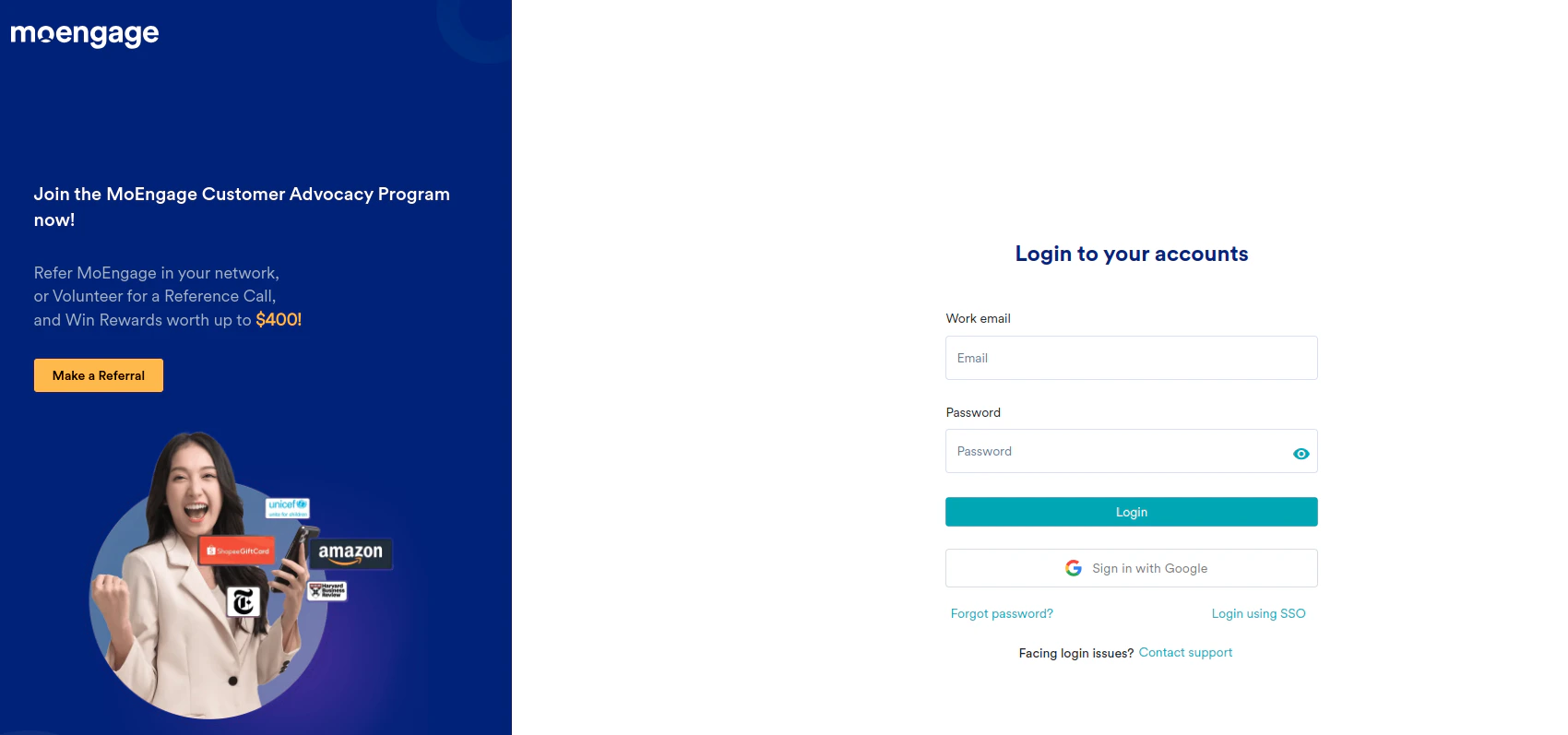
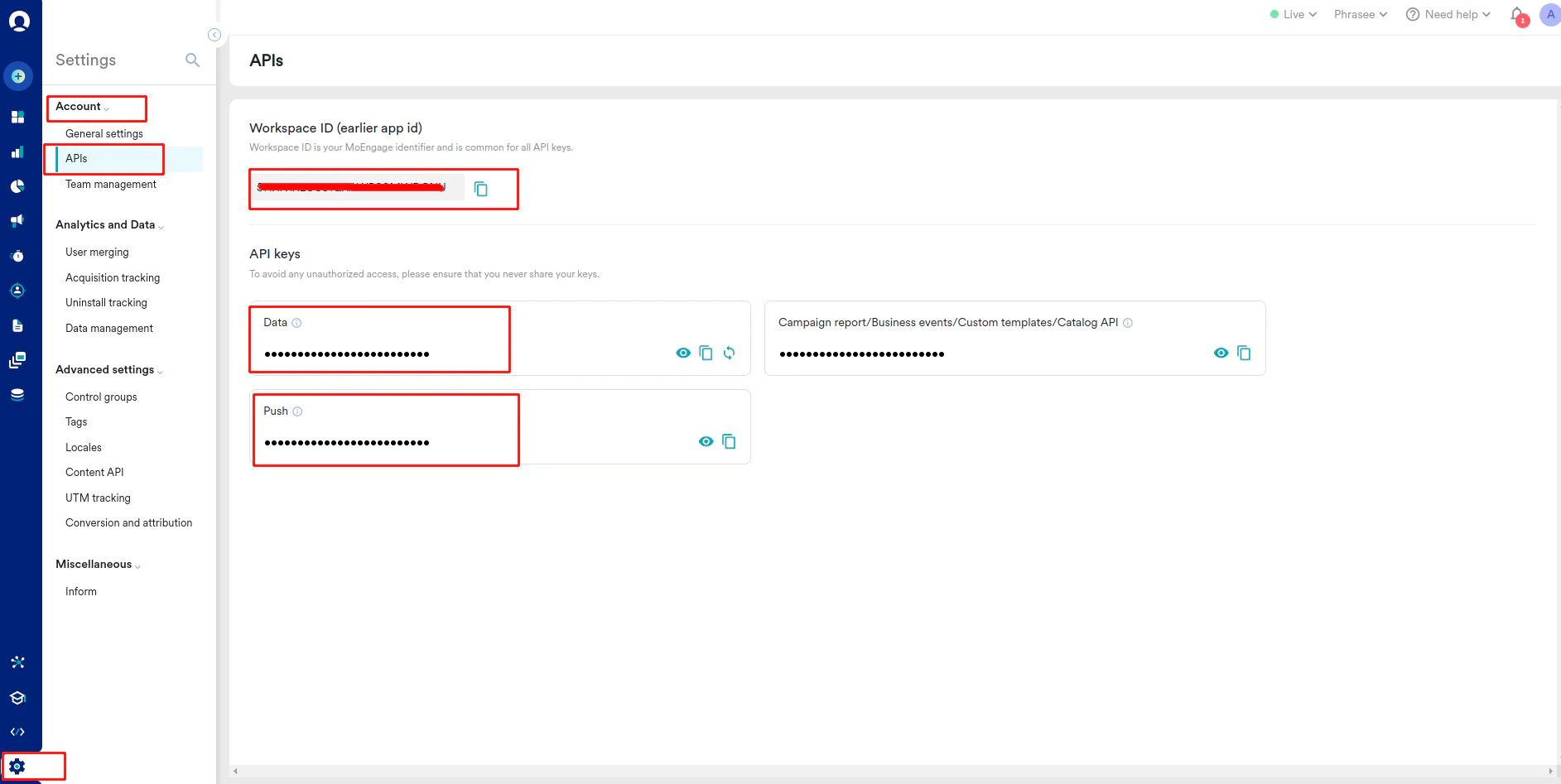
Get the Workspace ID and API keys
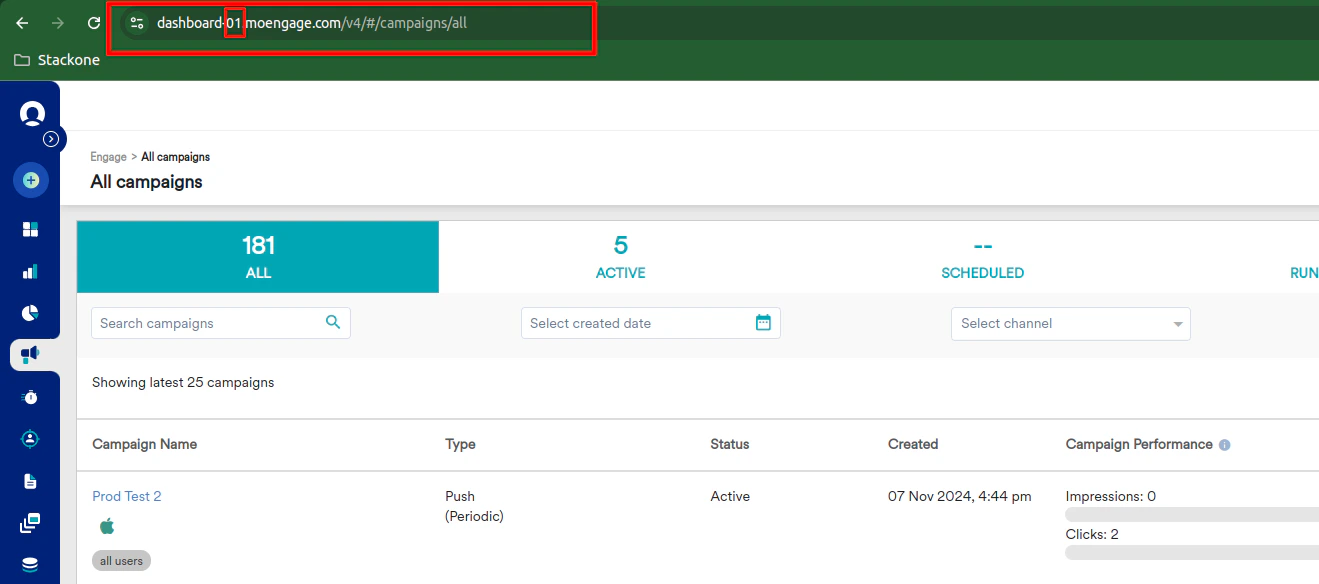
Get the Data Center Number
Connecting with StackOne
Enter Credentials
Upon reaching the Link Account page, enter the credentials from the previous steps: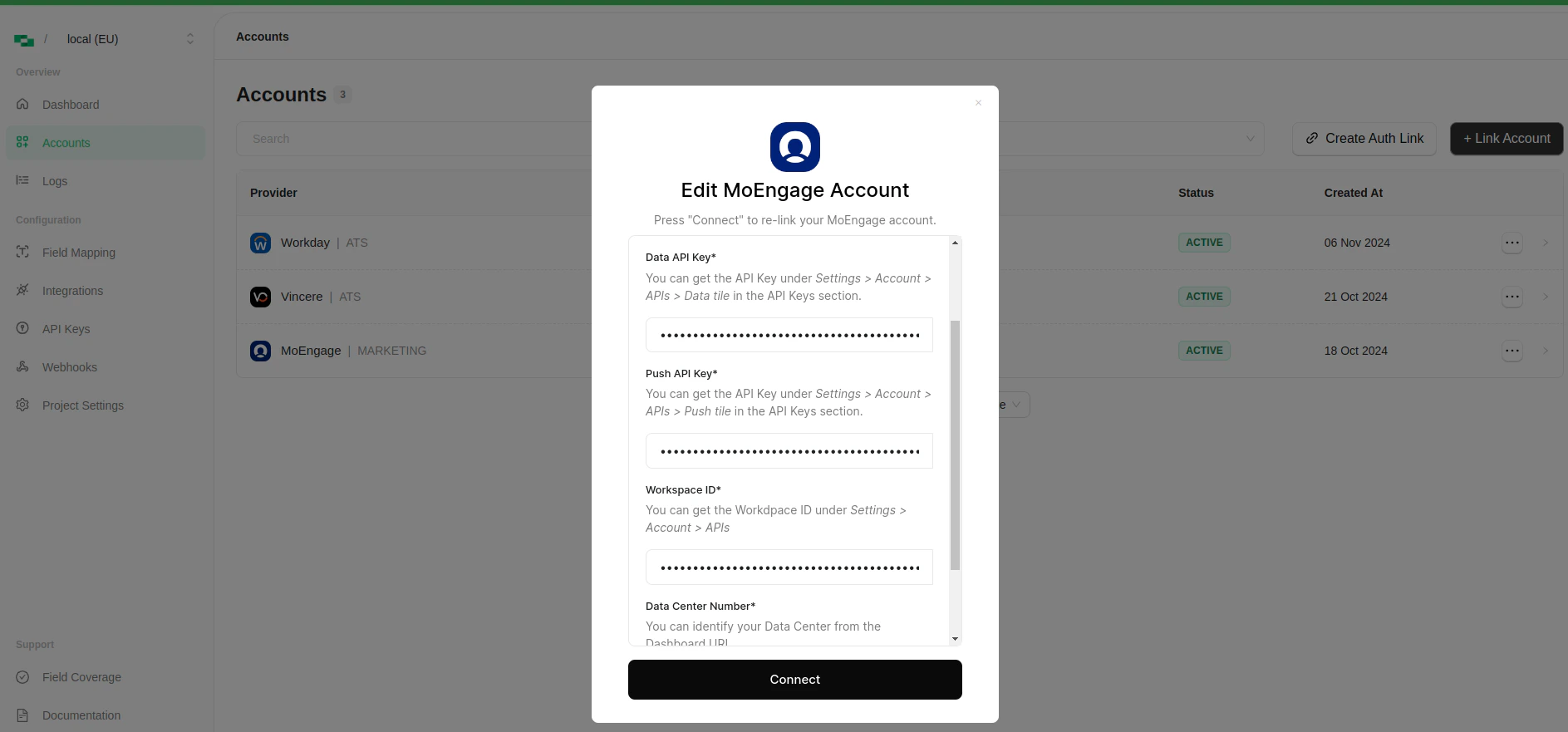
- Data API Key
- Push API Key
- Workspace ID
- Data Center Number
- Created By (This Email ID will be utilized to create and update the resources e.g. Content-Blocks, SMS and PUSH templates)
Available data
This integration has the following MARKETING Resources available from the provider:- Content_blocks
- Email Templates
- Push Templates
- SMS Templates