

Starting the Connection Process
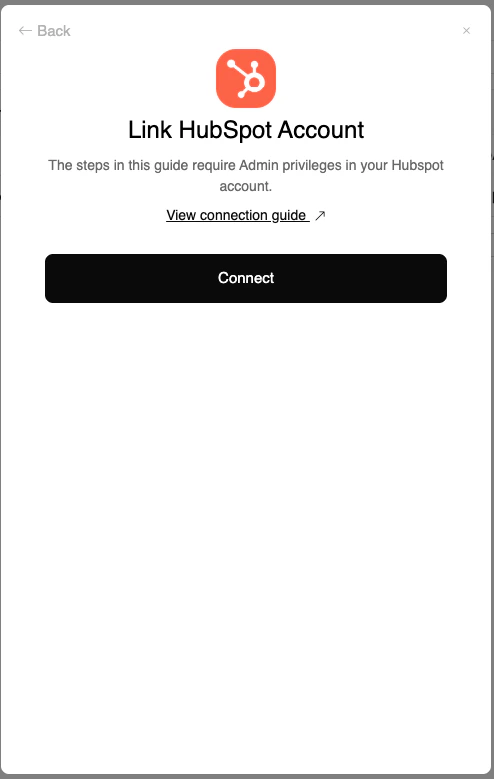
Connecting to HubSpot
Click Connect
Click the 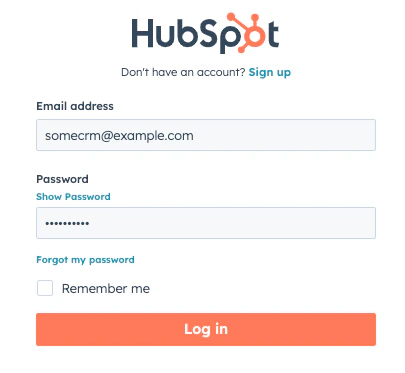
Connect button to open a window displaying the login form for HubSpot accounts.Enter Credentials
Enter your HubSpot credentials and click on 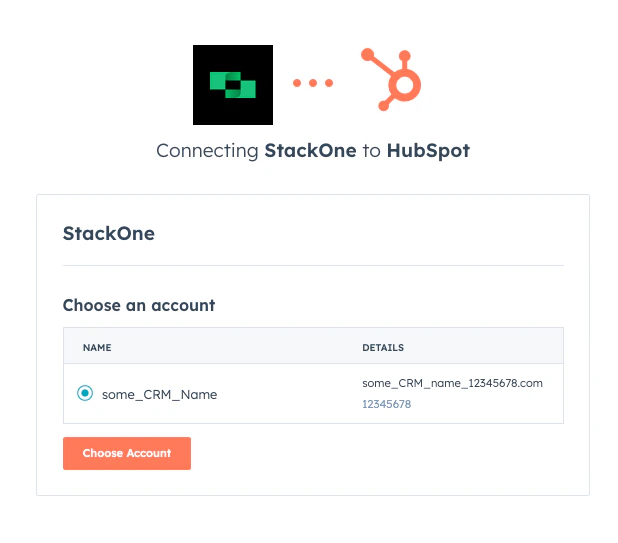
Log in. This will show all your HubSpot accounts. Choose and click on the Choose Account button to connect.Useful Links
HubSpot API documentation: https://developers.hubspot.com/docs/api/overview