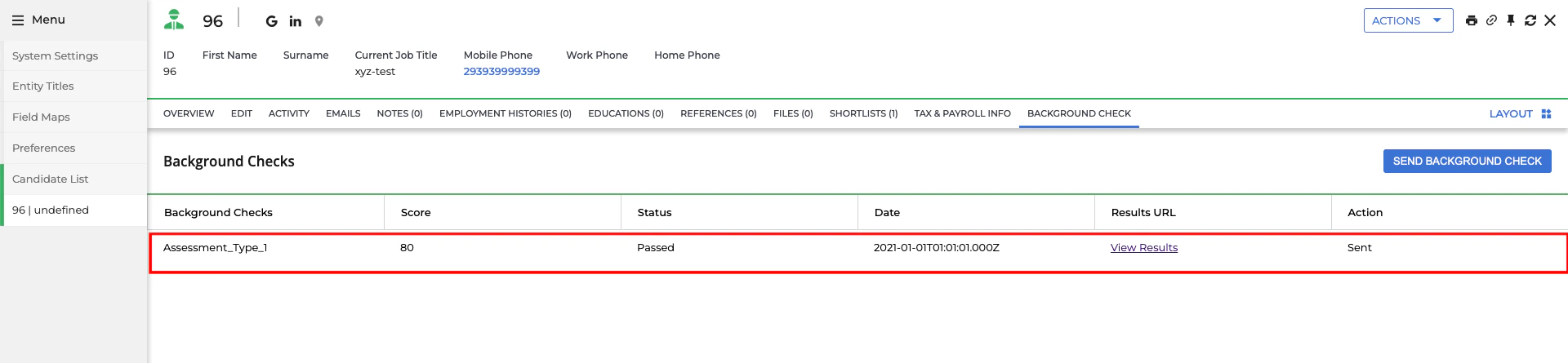
Send the assessment or background check invitation to the candidate
Select a Candidate from the Candidate List
Navigate to the Candidate List page and select a candidate.

Assessment or Background Check tab.Select test & send the notification
Click the 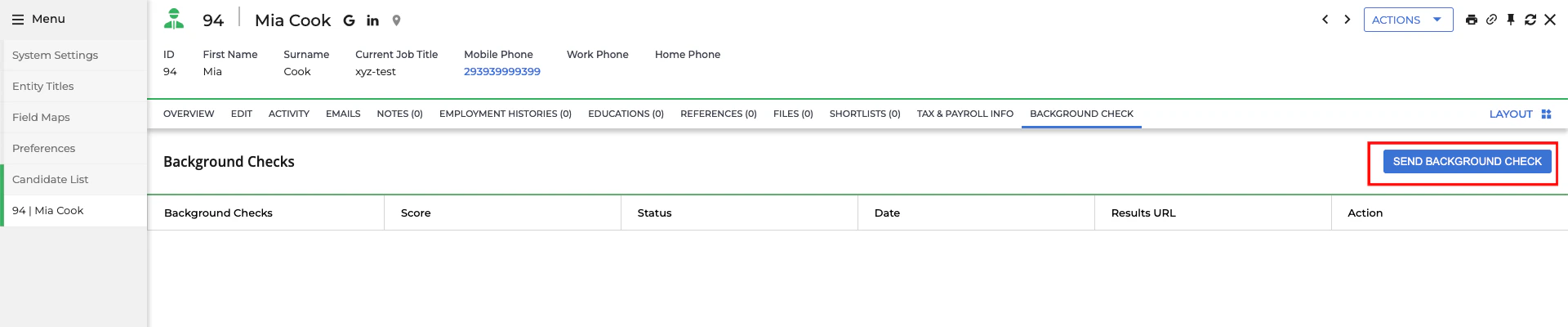

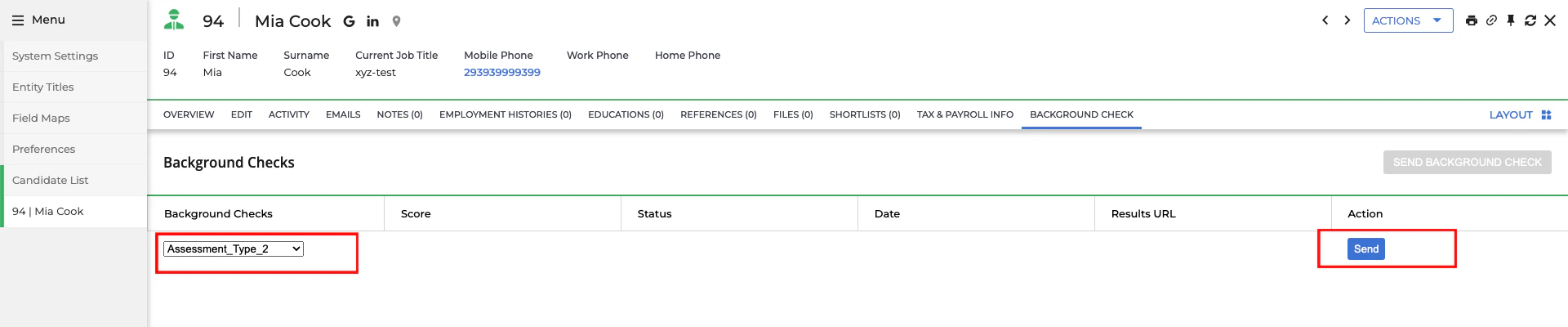
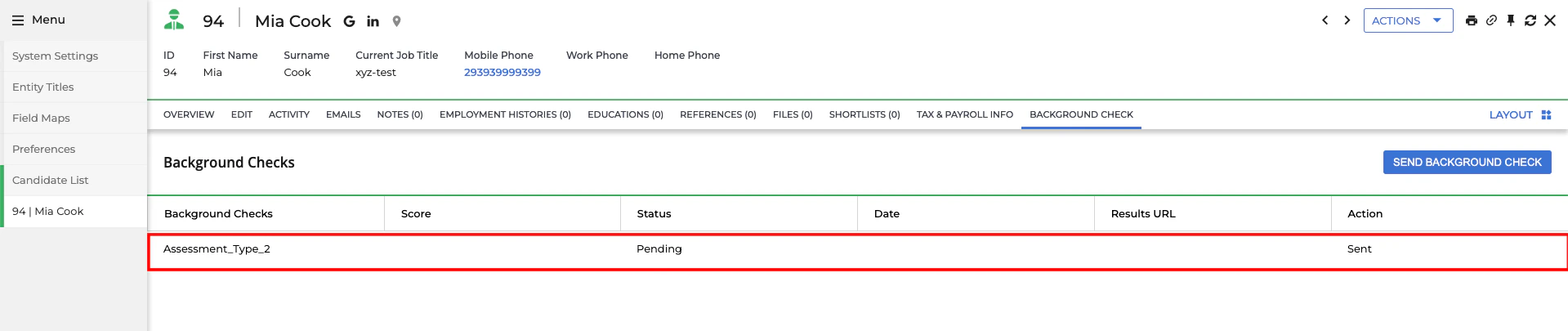
Send Assessment or Background Check button.Send button to dispatch the notification.Pending status.