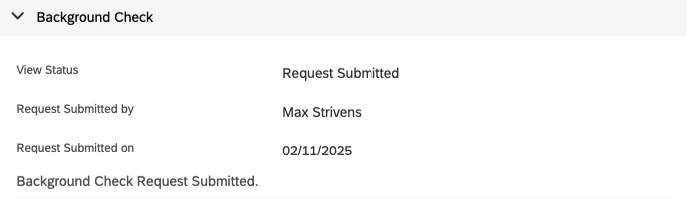
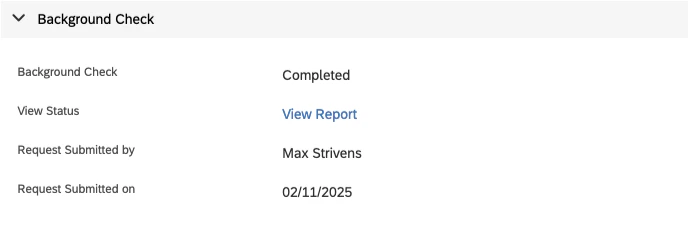
Associate background check to the Job Requisition
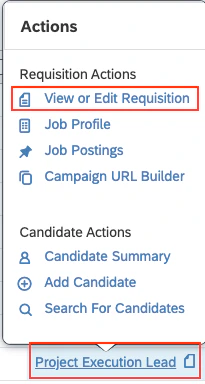
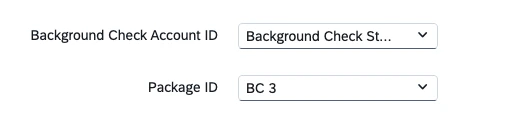
To Send the background check to the Candidate
Go to Talent Pipeline
Navigate to the specific Job Requisition and click on Candidates. Select the candidate, then choose the 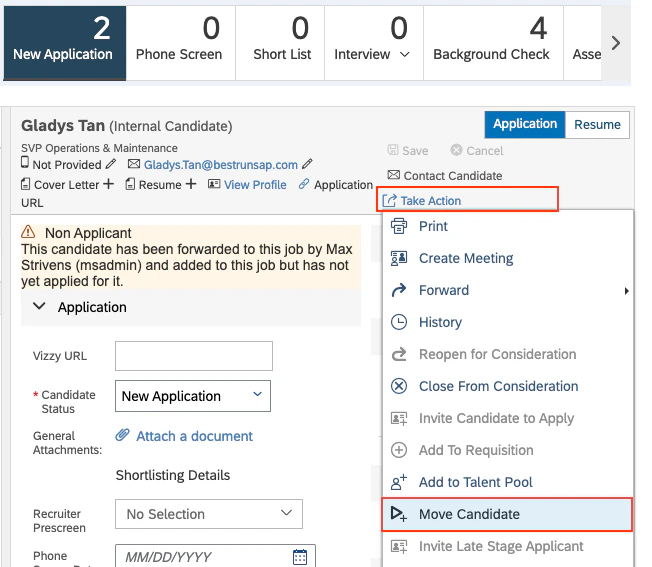
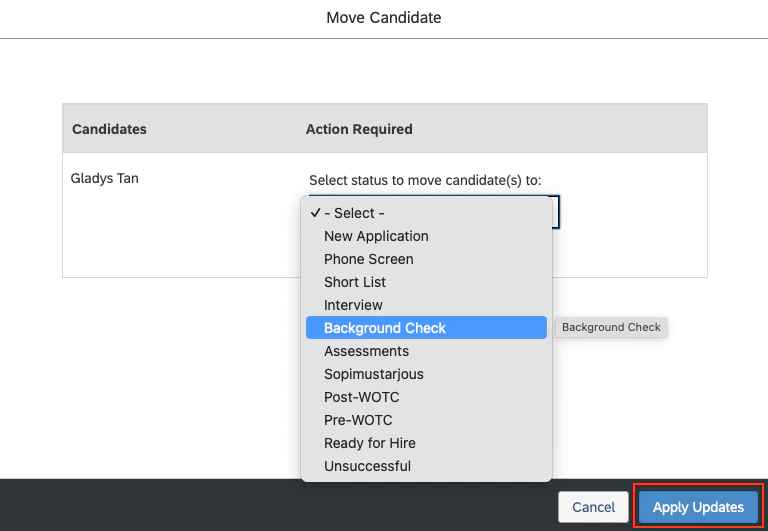
Move Candidate option from the Take Action menu.Background Check from the dropdown menu, then click Apply Updates to move the candidate forward.Send Background Check to Candidate
Navigate to Background Check, click on the 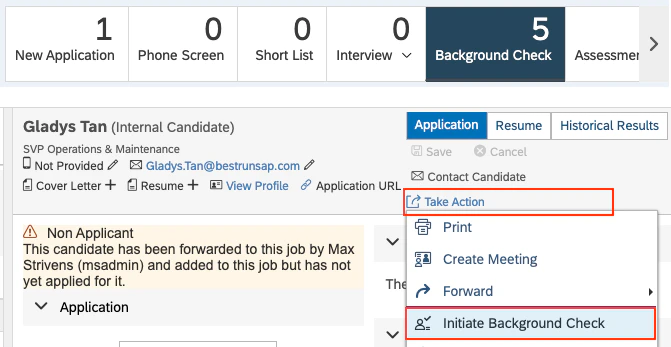
Initiate Background Check option in the Take Action menu.Confirm to send the Background Check. You’ll get the success on the same modal.